Native tmux on your iPhone and iPad.
Husk is a fast, native SSH client with first-class tmux control mode — your windows become tabs, your panes become real splits, and your sessions survive every disconnect.
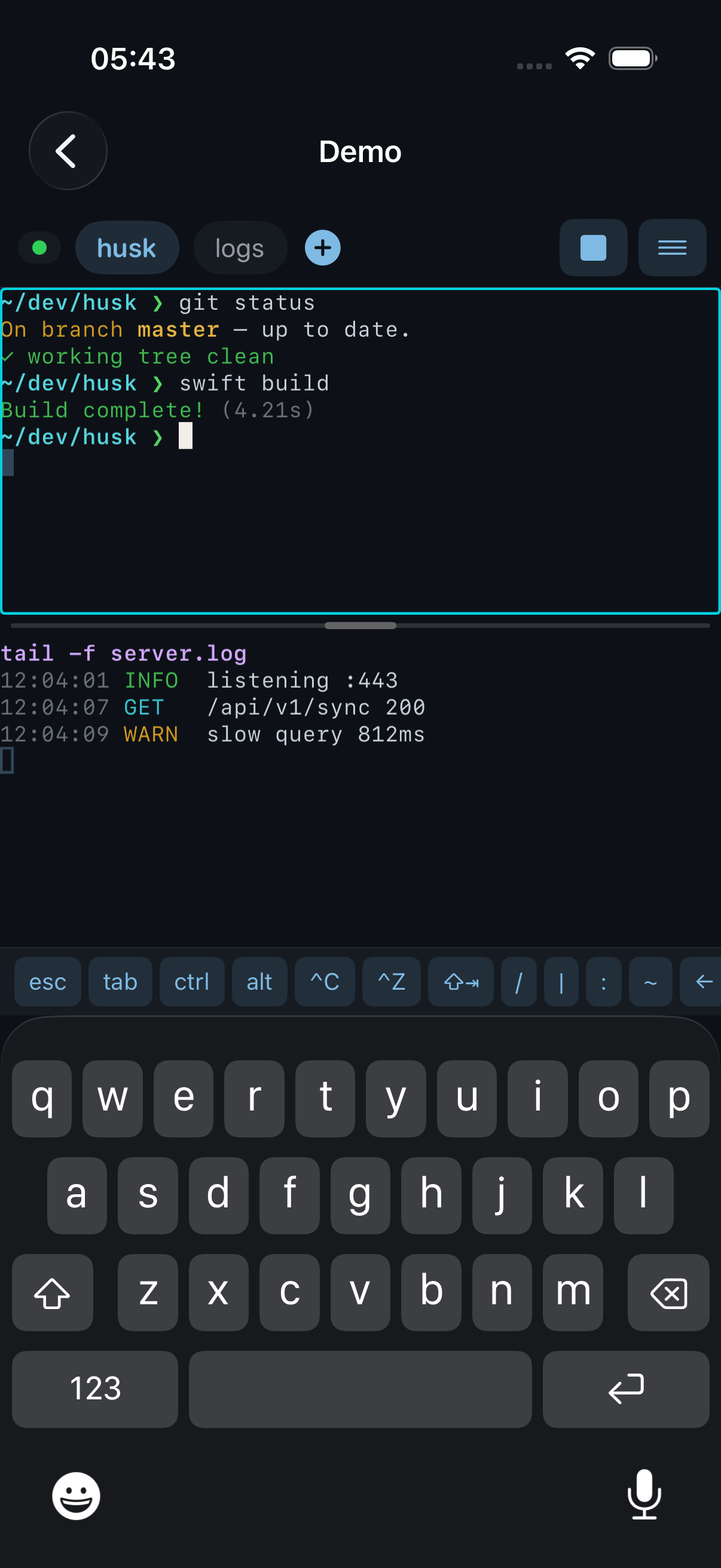
Windows as tabs, panes as splits
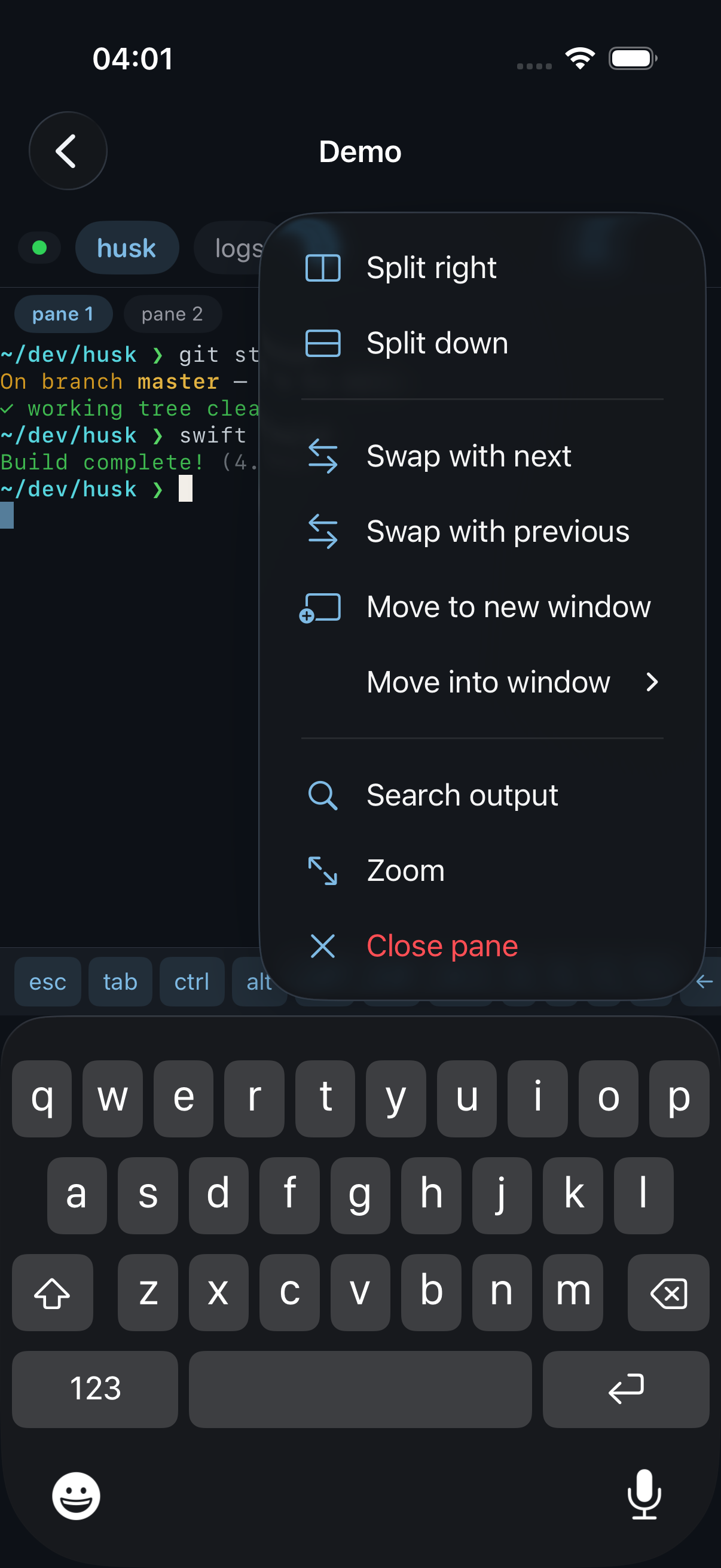
Pane controls at your fingertips
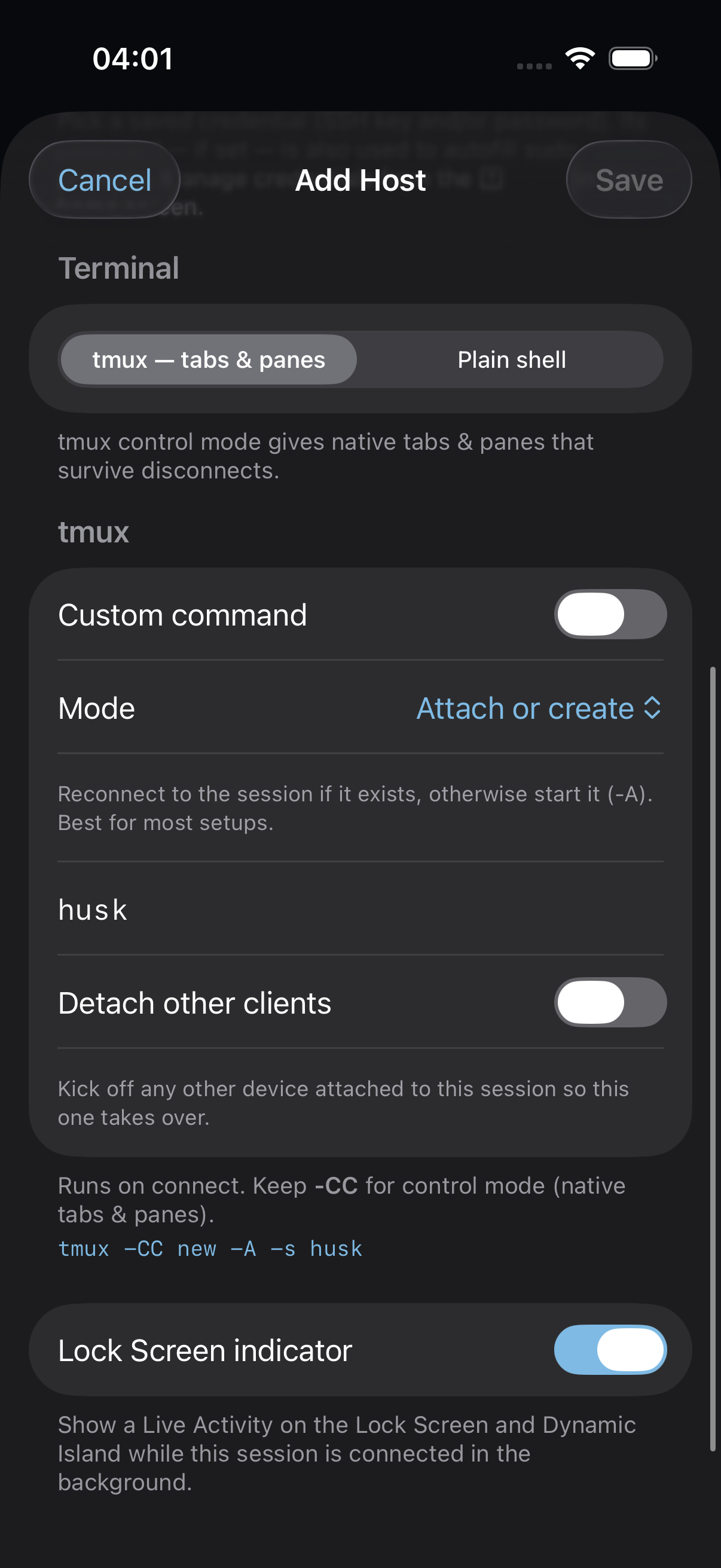
Tune tmux per host
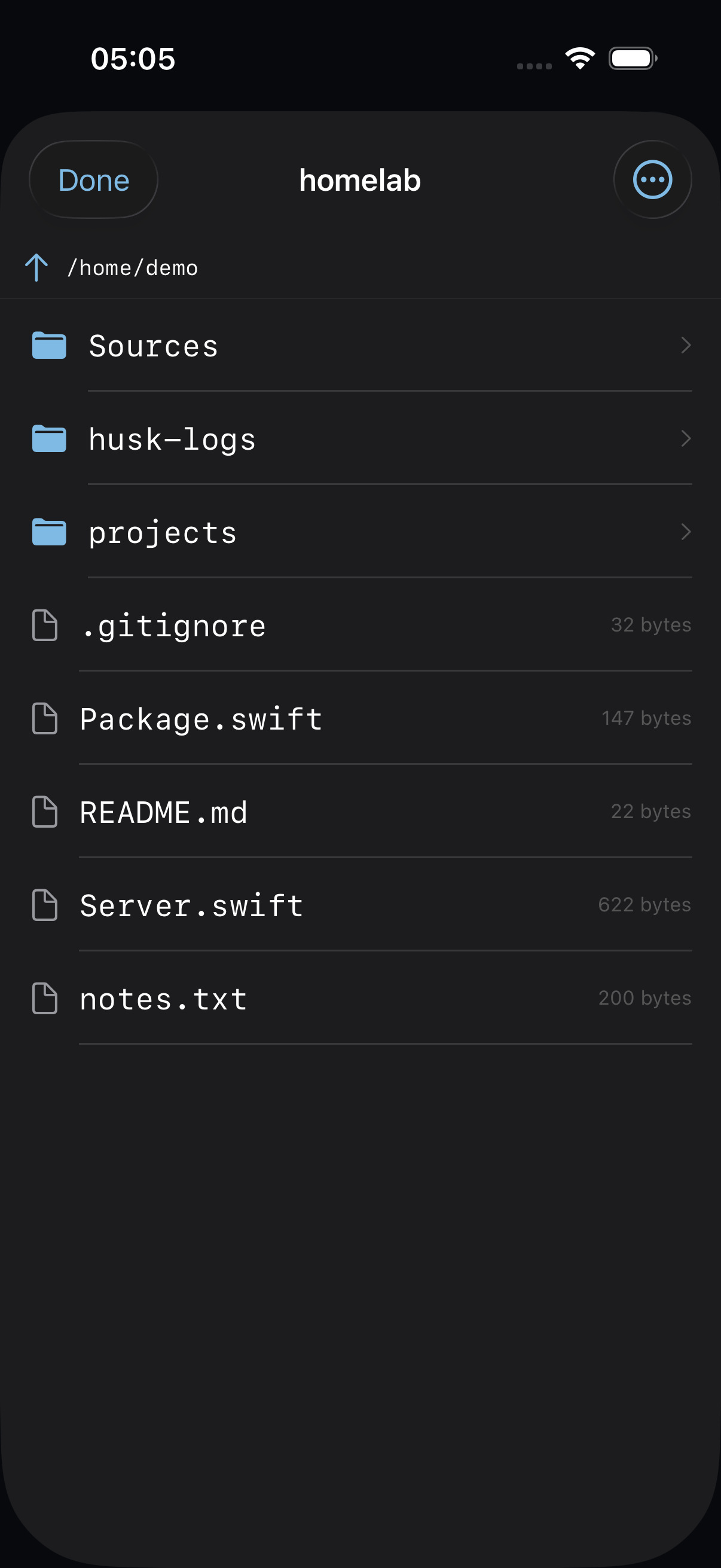
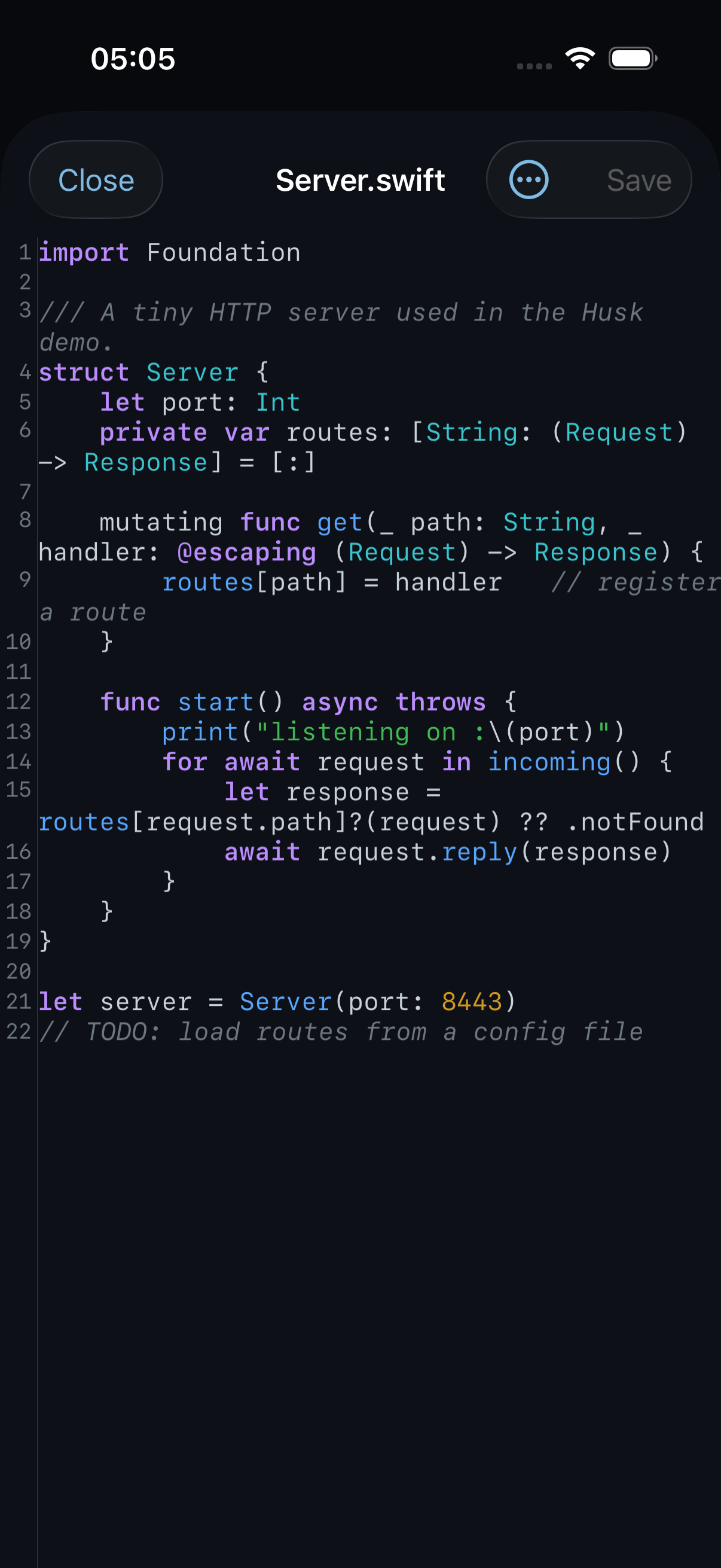
An SFTP browser with a file editor.
Browse any host's filesystem, then open a file in a VS Code-style editor — syntax highlighting for ~23 languages, toggleable line numbers, themed to match your terminal. Edit and save in place, or upload, download, rename, and delete.
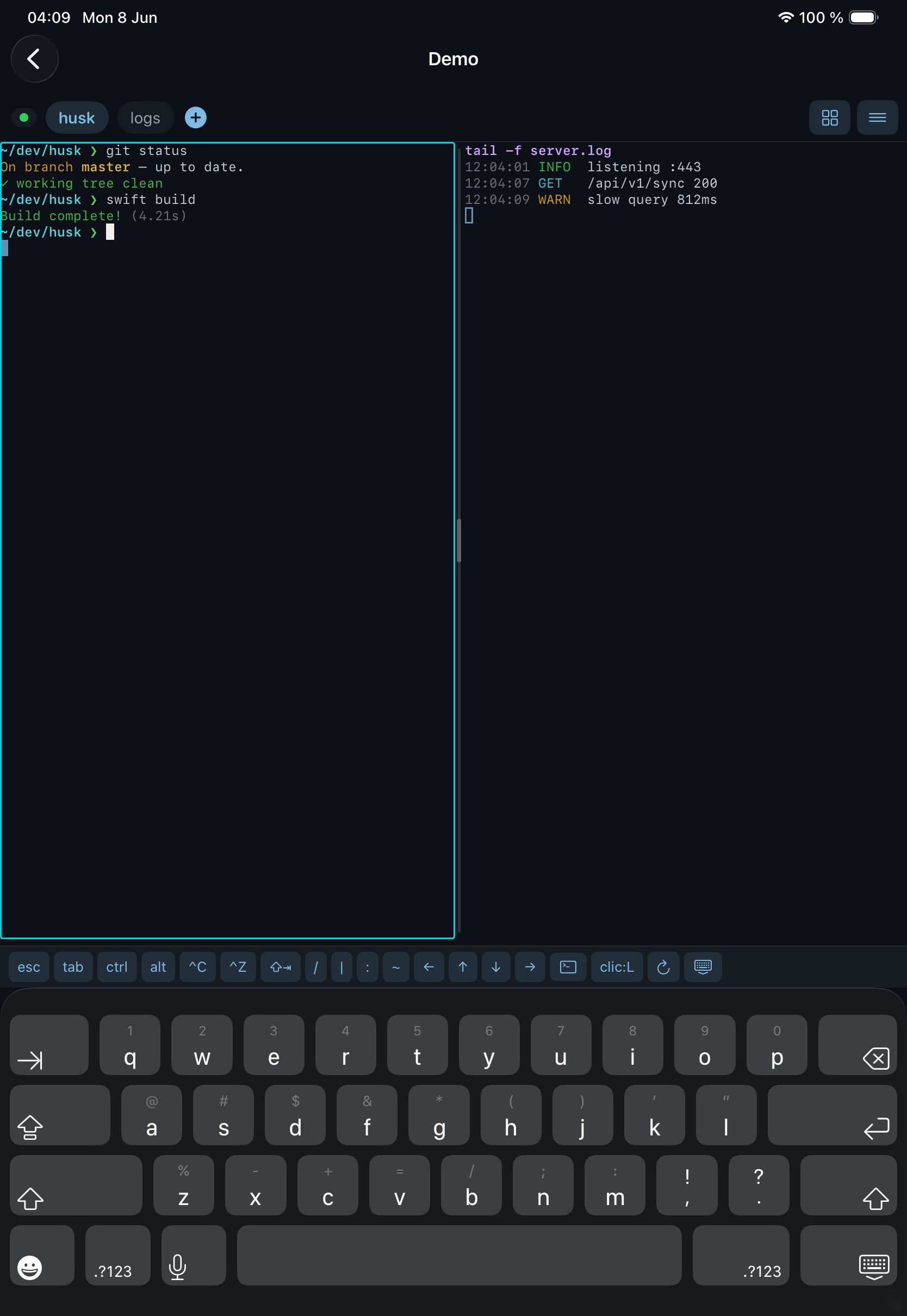
Tile every pane, or focus on one.
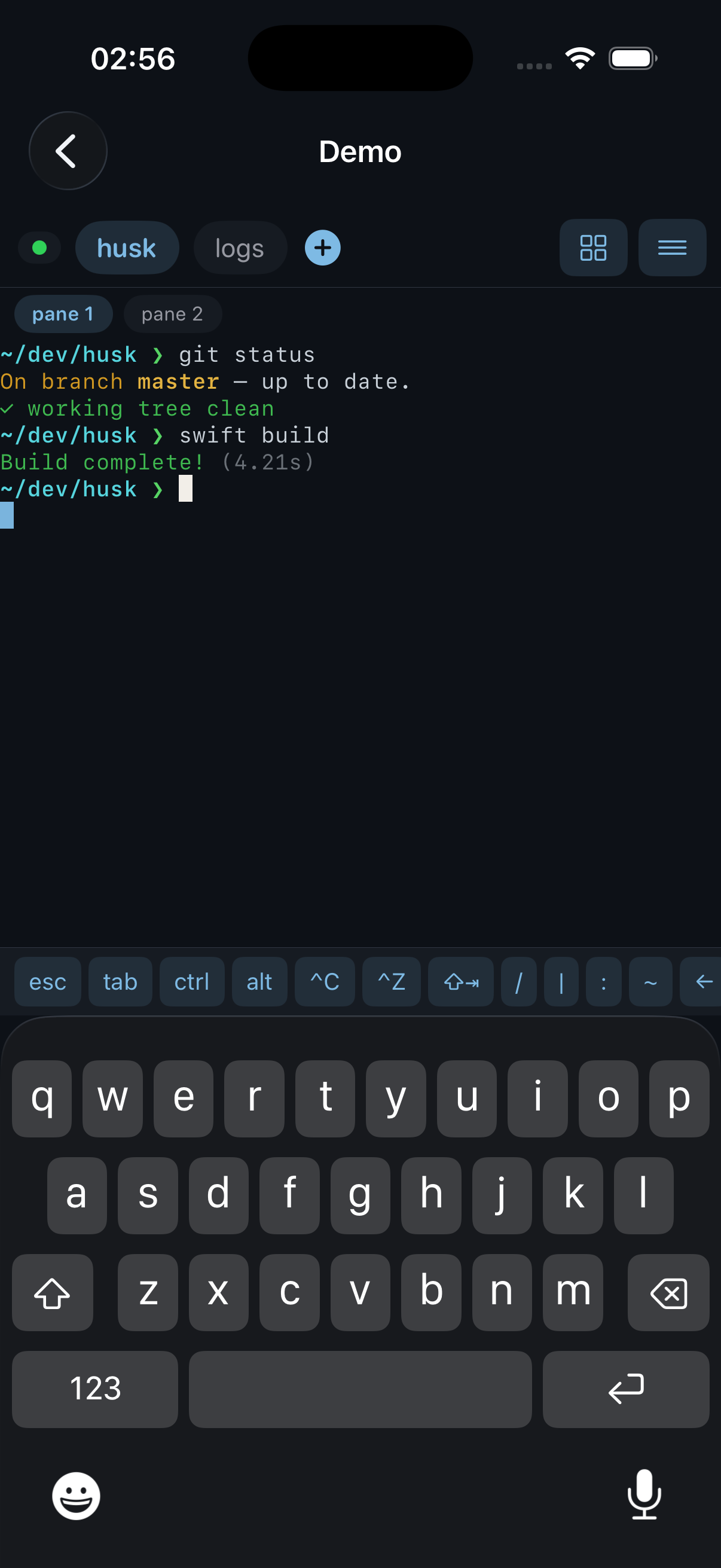
On iPhone and iPad alike, tile all your panes at once — stacked or side by side — or zoom to a single pane full-screen. Same tmux layout either way, just sized to your screen.
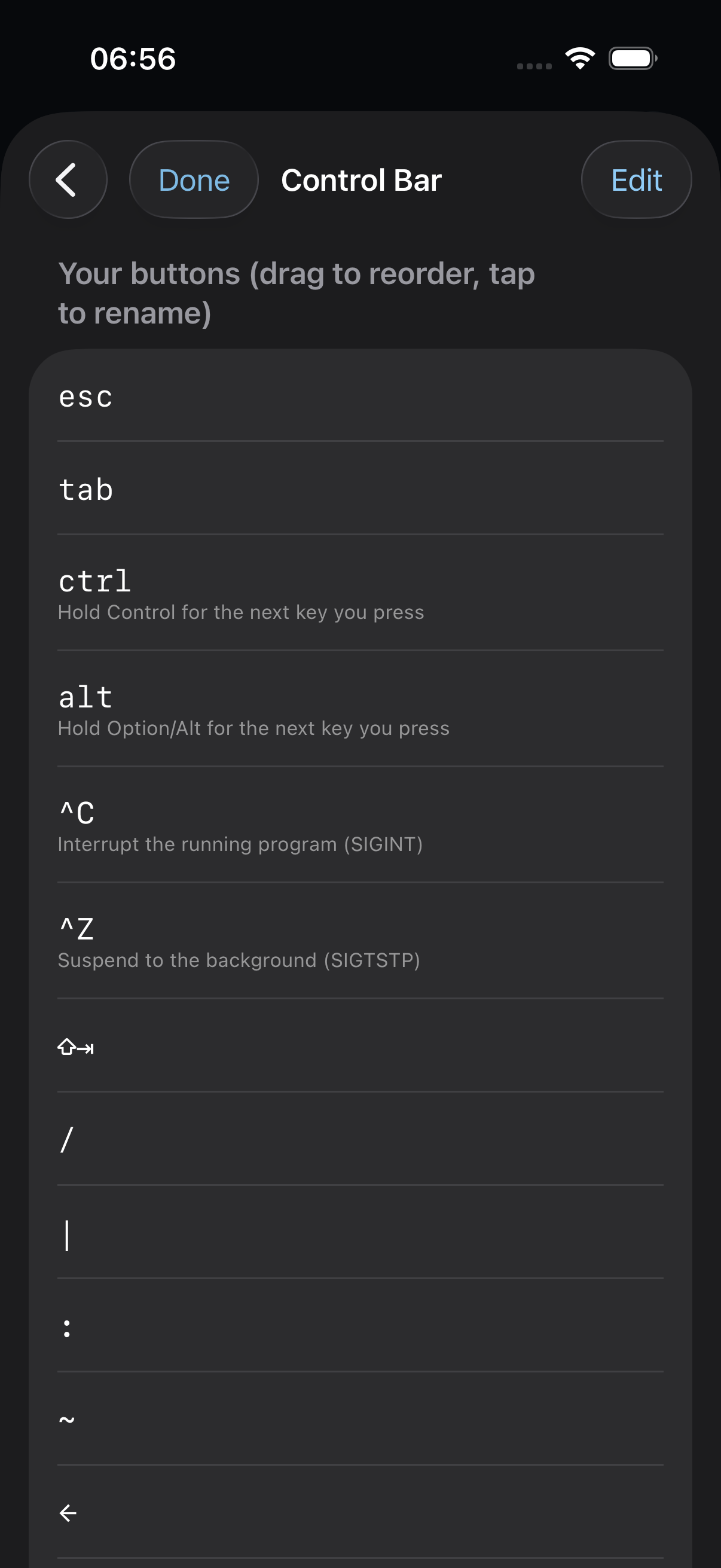
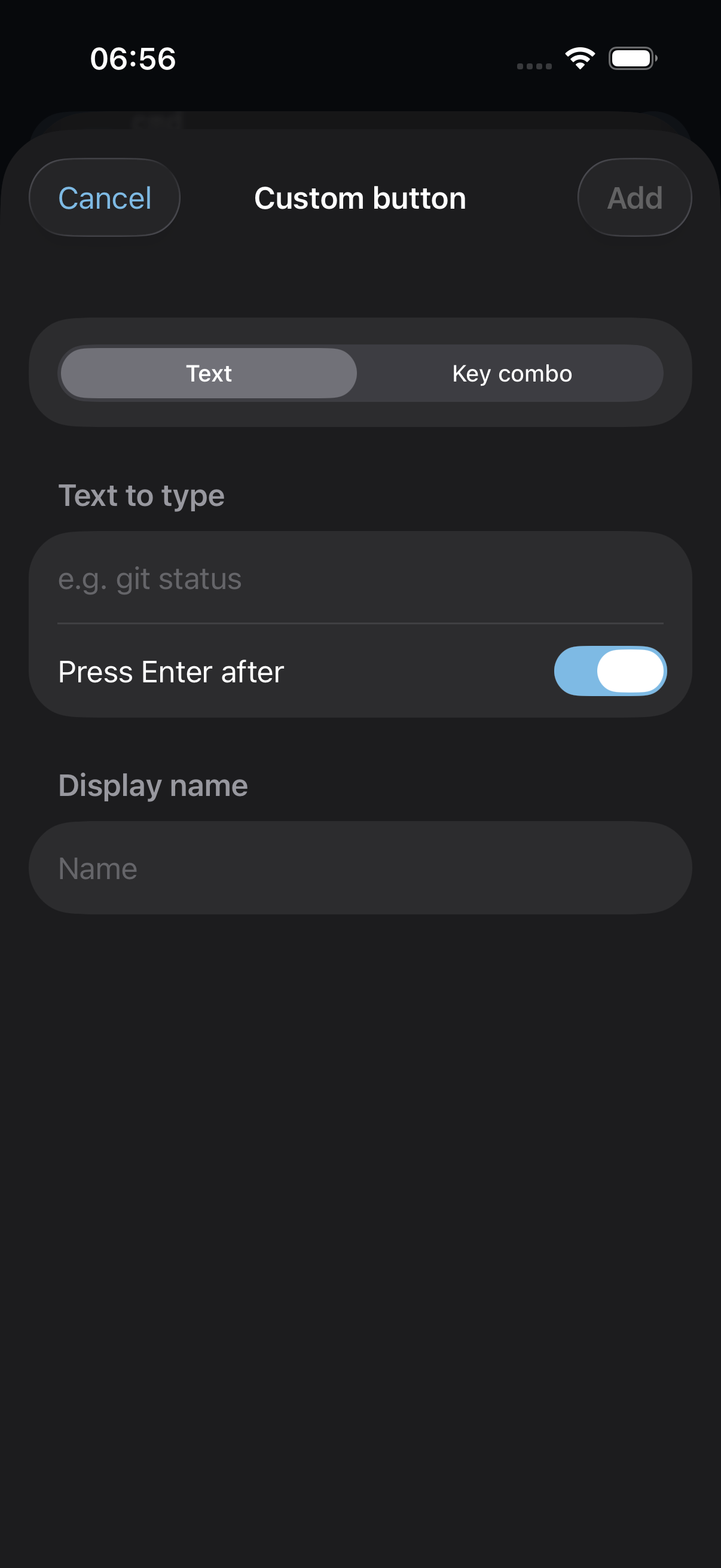
A control bar you build yourself.
The keys above your keyboard aren't fixed. Reorder and rename them, add presets for control, function, and modifier keys, or create your own — a Ctrl or Option combo, or a text snippet that types a whole command and presses Enter for you.
Set it up once. Use it everywhere.
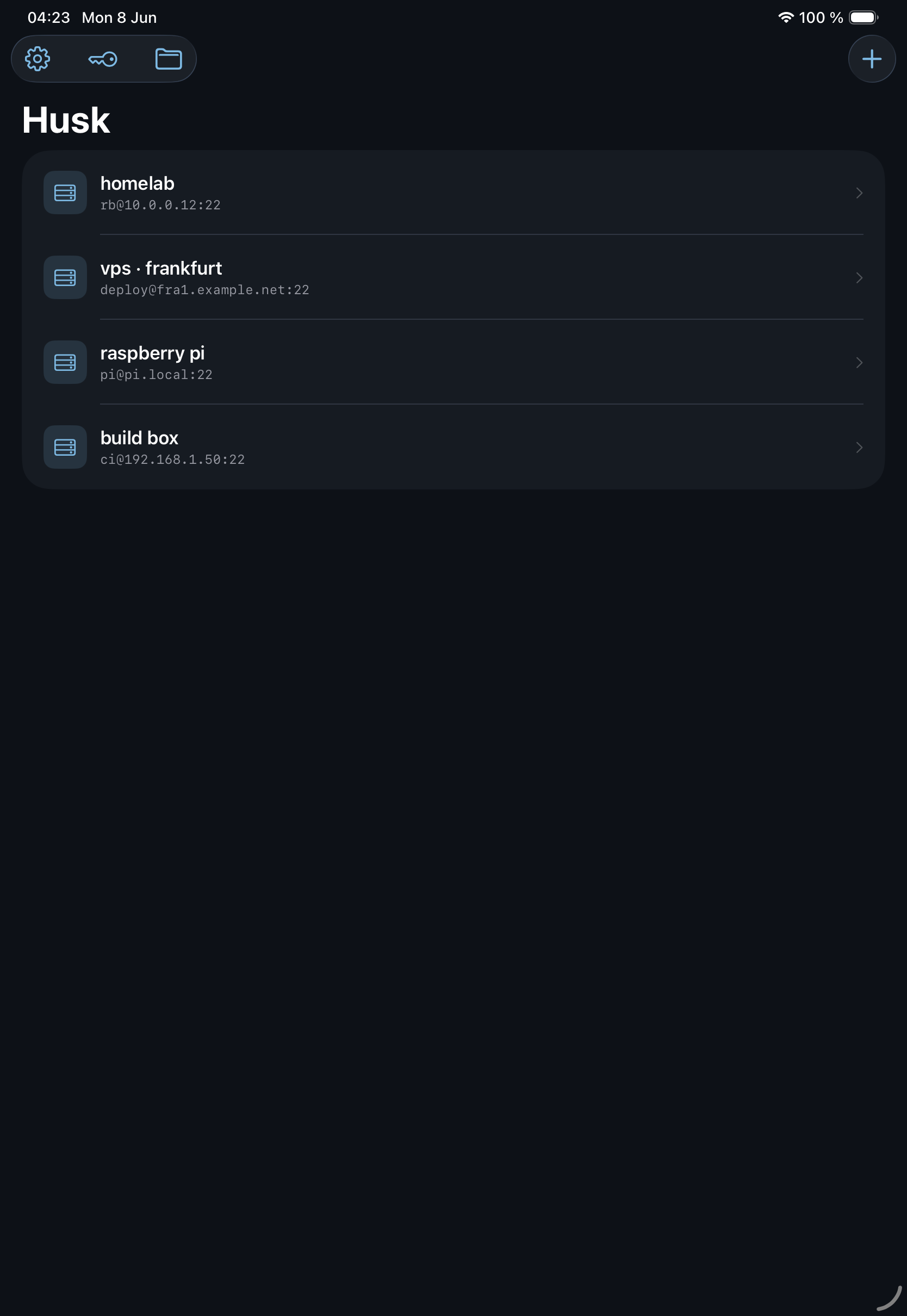
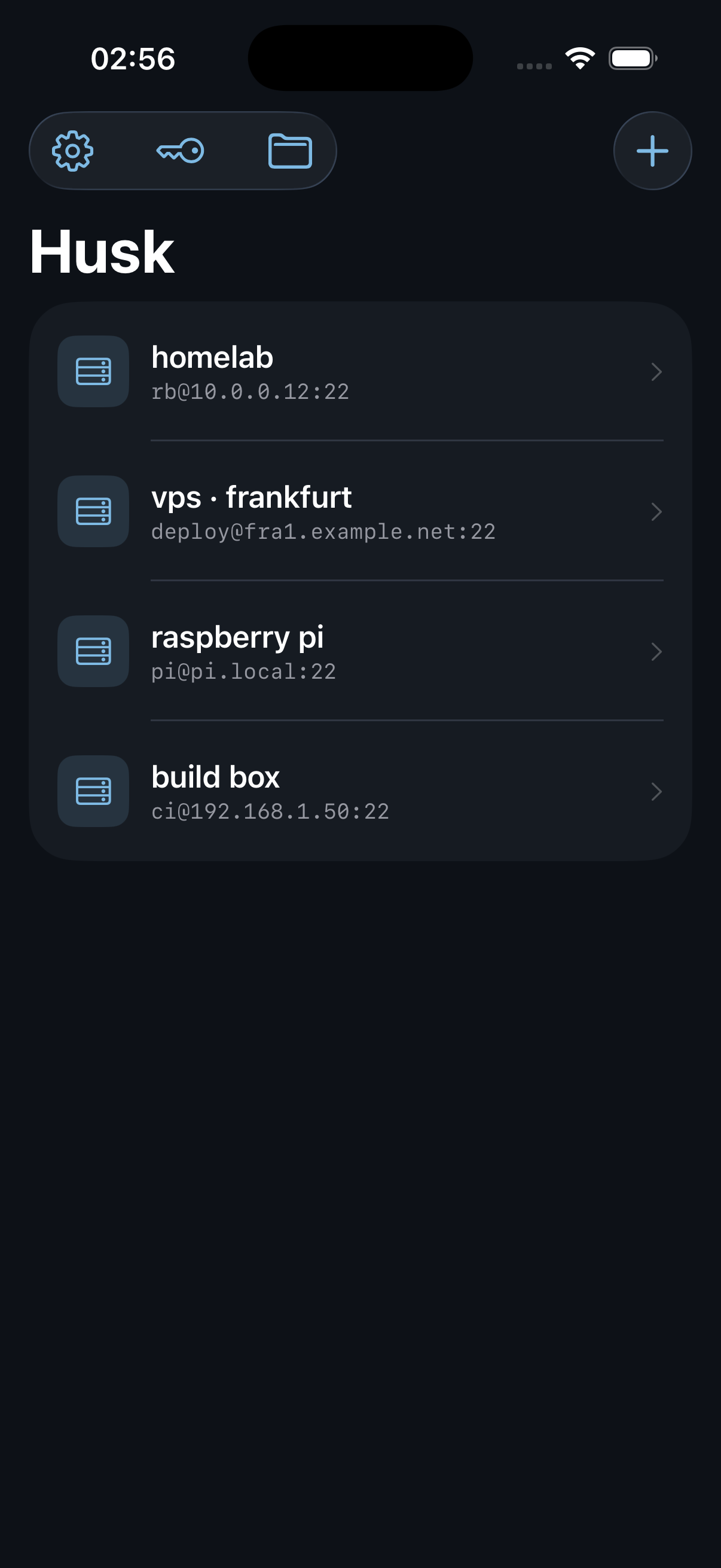
Add a server on your iPhone and it's already waiting on your iPad. Husk keeps your hosts, themes, and control-bar layout in sync through your own iCloud, with keys and passwords stored end-to-end encrypted in iCloud Keychain.
Everything you SSH for, done natively.
No web view. Husk speaks tmux's control protocol directly, so the interface feels like a real iOS app instead of a terminal bolted onto a phone.
tmux as tabs & panes
Control mode turns tmux windows into swipeable tabs and panes into native splits. Detach on the train, reattach at your desk — nothing is lost.
Plain-shell mode
Not every server runs tmux. Connect straight to a login shell — or any command — when you just want a clean session without windows, tabs, or panes.
SFTP code editor
Browse any host over SFTP and edit files in a native, language-aware code editor that takes on your terminal theme.
Reconnects on its own
Lose signal or switch from Wi-Fi to cellular and Husk reconnects, reattaching your tmux session automatically — with a setting to wait for Wi-Fi if you'd rather.
Face ID vault
SSH keys and passwords live in the iOS Keychain, gated behind Face ID and visible to no one but you.
Live Activities
Keep an eye on active sessions right from the Lock Screen and Dynamic Island.
Works with your setup.
Auth
SSH keys, passwords, and keyboard-interactive 2FA — or an on-device key agent.
Keys
Ed25519, ECDSA, and RSA. Generate one in-app or paste your own (PEM / OpenSSH), passphrase and all.
Connections
Any host and port, with known-hosts verification — trust on first use, and a warning if a key ever changes.
Coming soon to TestFlight.
Husk is finishing its open beta. iPhone & iPad · iOS 16.1+ · no account, no backend.
TestFlight beta — coming soon